What Is a Checksum Error? Causes, Fixes, and Prevention
In today’s digital world, data integrity plays a critical role in ensuring that information remains accurate, secure, and uncorrupted. Whether you are downloading files, transferring data, or installing software, you may encounter a term that sounds technical yet important: checksum error. Understanding what this means is essential for anyone who regularly interacts with digital systems. This article explores what a checksum error is, why it occurs, how it affects your system, and the most effective ways to fix and prevent it.
What Is a Checksum Error?
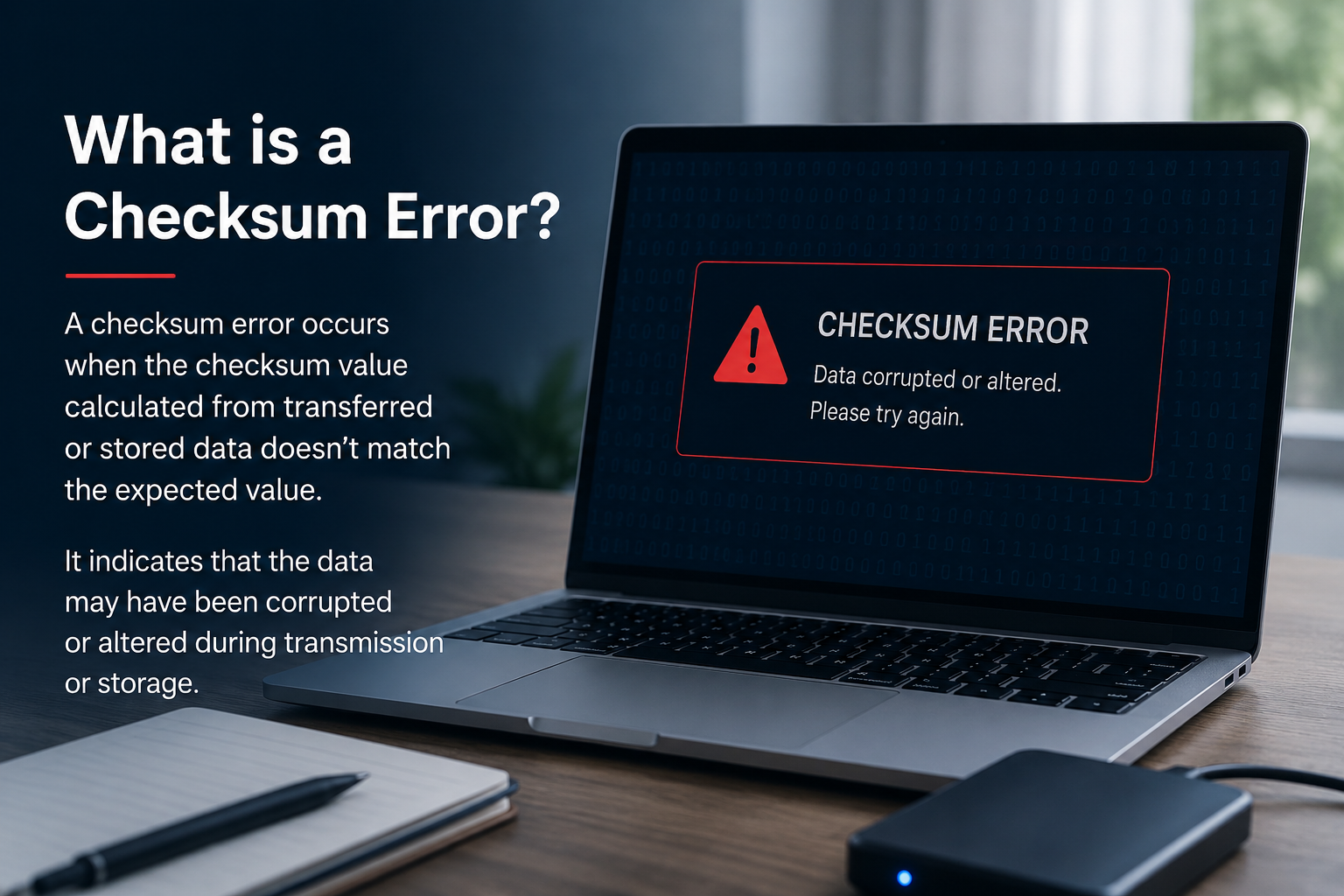
A checksum error occurs when the calculated value of data does not match the expected value. A checksum itself is a small piece of data derived from a larger dataset using a specific algorithm. It acts like a digital fingerprint that verifies whether the original data has been altered or corrupted during transmission or storage.
When a file is created or transferred, a checksum value is generated. Later, when the file is accessed or verified, the system recalculates the checksum. If the new value differs from the original, the system detects a checksum error, indicating that the data may be damaged, incomplete, or tampered with.
In simple terms, a checksum error signals that something is wrong with the integrity of the data.
How Checksums Work
The Basic Concept
This function produces a fixed-size output regardless of the size of the input. Even a small change in the data will produce a completely different checksum value.
Common Algorithms
Several algorithms are used to generate checksums, including MD5, SHA-1, and SHA-256. Each of these varies in complexity and security level, but all serve the same purpose: verifying data integrity.
Verification Process
The process of checksum verification involves three main steps. First, the original checksum is generated and stored. Second, the data is transferred or saved. Third, the checksum is recalculated and compared with the original. If both values match, the data is considered intact. If not, a checksum error occurs.
Common Causes of Checksum Errors
Checksum errors can arise due to several reasons, many of which are related to data corruption or hardware issues.
Corrupted Downloads
One of the most frequent causes is incomplete or interrupted downloads. If a file fails to download fully, its checksum will not match the original.
Faulty Storage Devices
Damaged hard drives, SSDs, or USB drives can alter stored data, leading to checksum mismatches.
Memory Issues
Defective RAM can corrupt data during processing, resulting in checksum errors when the data is verified.
Malware or Viruses
Malicious software may modify files without your knowledge, causing discrepancies in checksum values.
Network Problems
Unstable internet connections can interrupt data transfer, leading to corrupted files and checksum errors.
Signs You Are Experiencing a Checksum Error
Checksum errors may present themselves in different ways depending on the context.
You might see error messages while extracting compressed files, installing software, or verifying downloads. Files may fail to open or appear damaged. In some cases, systems may display warnings about data corruption during boot processes or updates.
Recognizing these signs early can help you address the issue before it leads to more serious problems.
How to Fix a Checksum Error
Resolving a checksum error depends on identifying its root cause. Fortunately, several practical solutions can help.
Re-download the File
If the error occurs during a download, the simplest solution is to download the file again from a reliable source.
Verify the Source
Always download files from trusted websites. Compare the checksum provided by the source with the one generated on your system to confirm file integrity.
Check Your Storage Device
Run diagnostic tools to check for bad sectors or hardware issues on your storage device. Replacing faulty hardware may be necessary in severe cases.
Scan for Malware
Use reliable antivirus software to scan your system for potential threats that may be altering your files.
Test Your Memory
If checksum errors occur frequently, consider testing your RAM using memory diagnostic tools. Faulty memory modules should be replaced promptly.
Update Software
Outdated software or drivers can sometimes cause data inconsistencies. Keeping your system updated can reduce the risk of checksum errors.
Preventing Checksum Errors
While it may not be possible to eliminate checksum errors entirely, you can take steps to minimize their occurrence.
Use Reliable Internet Connections
Stable connections reduce the risk of incomplete data transfers, especially during large downloads.
Maintain Hardware Health
Regularly monitor your storage devices and memory components to ensure they are functioning correctly.
Backup Important Data
Keeping backups ensures that even if data corruption occurs, you can recover your files without significant loss.
Use Trusted Sources
Downloading files from reputable platforms reduces the likelihood of corrupted or tampered data.
Enable Error-Checking Tools
Many operating systems offer built-in tools that automatically detect and fix data integrity issues.
Importance of Checksums in Modern Computing
From verifying software downloads to ensuring secure data transmission, they are an essential component of modern computing systems.
In cybersecurity, checksums help detect unauthorized modifications to files. In networking, they ensure that packets of data arrive intact. In storage systems, they protect against silent data corruption.
Without checksums, detecting data errors would be significantly more difficult, leading to unreliable systems and potential data loss.
Real-World Examples
Checksum errors are not limited to technical environments. Everyday users encounter them more often than they realize.
For instance, when downloading a large application, the installer may fail due to a checksum mismatch. Similarly, when extracting compressed files, an error message may indicate corrupted archives. Even operating system updates can fail if checksum verification does not pass.
These examples highlight the importance of understanding and addressing checksum errors promptly.
Conclusion
A checksum error is a clear indication that data integrity has been compromised. Whether caused by corrupted downloads, faulty hardware, or malicious interference, it is a problem that requires immediate attention. By understanding how checksums work and recognizing the common causes of errors, you can take effective steps to resolve and prevent them.
Maintaining a stable system, using reliable sources, and regularly checking your hardware are all essential practices. In an increasingly digital world, ensuring the accuracy and safety of your data is more important than ever. By staying informed and proactive, you can minimize the risks associated with checksum errors and keep your systems running smoothly.