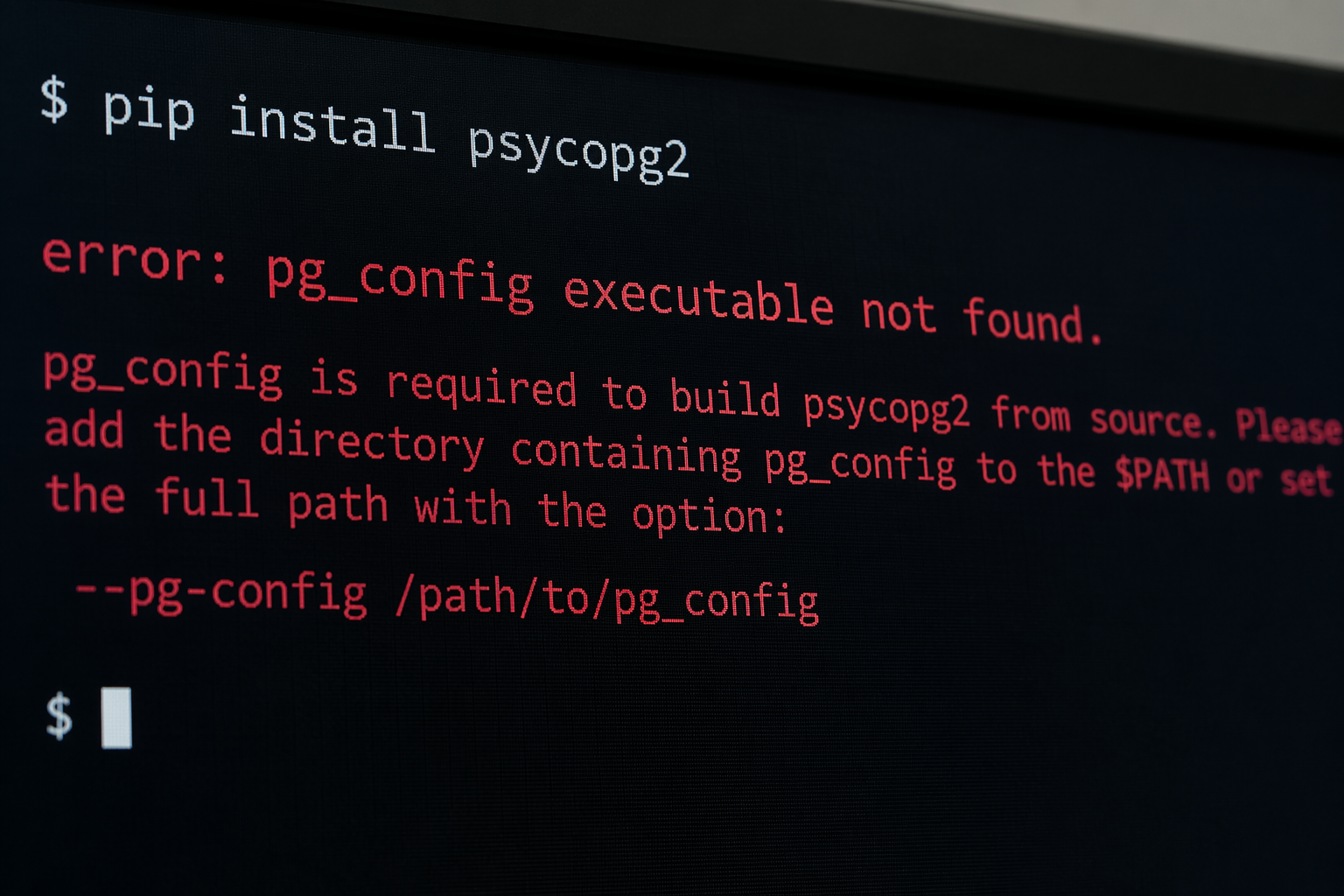
How to Fix “error: pg_config executable not found.” – A Complete Guide
When working with PostgreSQL-related tools or Python libraries such as psycopg2, developers often encounter the frustrating message: “error: pg_config executable not found.” This issue can interrupt workflows, delay development, and create confusion—especially for beginners who are unsure what pg_config even is. Despite its technical nature, this error is both common and entirely fixable with the right approach.
This article provides a clear, reliable, and practical explanation of why this error occurs and how to resolve it across different operating systems. By the end, you will understand the root cause, know multiple solutions, and be able to prevent the issue in the future.
Understanding the Error
The message “error: pg_config executable not found.” typically appears when installing PostgreSQL-related packages, especially in Python environments. It signals that the system cannot locate the pg_config utility, which is essential for compiling or configuring PostgreSQL extensions.
What is pg_config?
pg_config is a helper tool installed with PostgreSQL. It provides information about the PostgreSQL installation, including:
- Include directories
- Library paths
- Version details
- Compiler flags
Many packages rely on this tool to properly link against PostgreSQL during installation.
Why This Error Happens
This error generally occurs for one of the following reasons:
- PostgreSQL is not installed on your system
- pg_config is installed but not added to the system PATH
- You are using a minimal PostgreSQL installation without development tools
- The environment (virtualenv, Docker, etc.) cannot access system binaries
Understanding these causes is key to applying the correct fix.
Common Scenarios Where the Error Appears
While Installing psycopg2
The error frequently appears during:
pip install psycopg2
This happens because the package tries to compile from source and needs pg_config to locate PostgreSQL headers and libraries.
Inside Virtual Environments
Even if PostgreSQL is installed globally, virtual environments may not recognize system paths, leading to this issue.
On Fresh Systems
New installations of Linux, macOS, or Windows often lack PostgreSQL development tools by default.
How to Fix the Error
1. Install PostgreSQL Properly
The most straightforward solution is ensuring PostgreSQL is fully installed, including development tools.
On Ubuntu/Debian
Run:
sudo apt update
sudo apt install postgresql postgresql-contrib libpq-dev
The libpq-dev package includes pg_config.
On macOS
If using Homebrew:
brew install postgresql
After installation, verify:
which pg_config
On Windows
Download and install PostgreSQL from the official installer. During installation, ensure all components are selected.
2. Add pg_config to Your PATH
Sometimes pg_config exists but is not accessible.
Locate pg_config
Use:
find / -name pg_config
or on Windows:
where pg_config
Add to PATH
Linux/macOS
Edit your shell configuration:
export PATH=$PATH:/usr/pgsql/bin
Then reload:
source ~/.bashrc
Windows
- Open Environment Variables
- Edit the PATH variable
3. Use Precompiled Packages
If you want to avoid compilation entirely, use a prebuilt binary.
Instead of:
pip install psycopg2
Use:
pip install psycopg2-binary
This version does not require pg_config and is ideal for development environments.
4. Specify pg_config Manually
In some cases, you can directly point to the executable.
Example:
pip install psycopg2 –config-settings=”build_ext.pg_config=/path/to/pg_config”
This method is useful when multiple PostgreSQL versions exist on your system.
5. Check Virtual Environment Configuration
If you are using a virtual environment:
- Ensure system packages are accessible
- Activate the environment properly
- Reinstall dependencies after fixing PATH
Sometimes recreating the environment solves hidden configuration issues.
Advanced Troubleshooting
Verify Installation
Run:
pg_config –version
If the command fails, the system cannot locate the executable.
Check Permissions
Ensure the file has execution permissions:
chmod +x /path/to/pg_config
Multiple PostgreSQL Versions
Having multiple versions installed can confuse the system. Ensure the correct version appears first in the PATH.
Docker and CI/CD Environments
In containerized environments, you must explicitly install PostgreSQL development libraries.
Example Dockerfile snippet:
Without this step, builds will fail with the same error.
Preventing the Error in the Future
Use Consistent Environments
Always standardize your development setup, especially when working in teams.
Prefer Binary Packages for Development
Precompiled libraries reduce dependency issues and simplify setup.
Document Dependencies
Maintain a clear list of required system packages for your project.
Automate Setup
Use scripts or containerization to avoid manual configuration mistakes.
Why This Error Matters
While it may seem minor, the “error: pg_config executable not found.” highlights an important concept: the dependency between application-level libraries and system-level tools. Understanding this relationship improves your overall development skills and helps you troubleshoot similar issues in the future.
Conclusion
The “error: pg_config executable not found.” is a common but manageable issue that arises when PostgreSQL development tools are missing or improperly configured. By installing PostgreSQL correctly, ensuring pg_config is accessible, and choosing the right installation method, you can resolve the problem quickly and efficiently.
This guide has outlined practical solutions for different systems and scenarios, ensuring that you can handle the issue with confidence. With a structured approach and a clear understanding of the root cause, you can prevent this error from disrupting your workflow again.
Ultimately, resolving this problem is not just about fixing a single error—it is about strengthening your development environment and building a more reliable foundation for future projects.