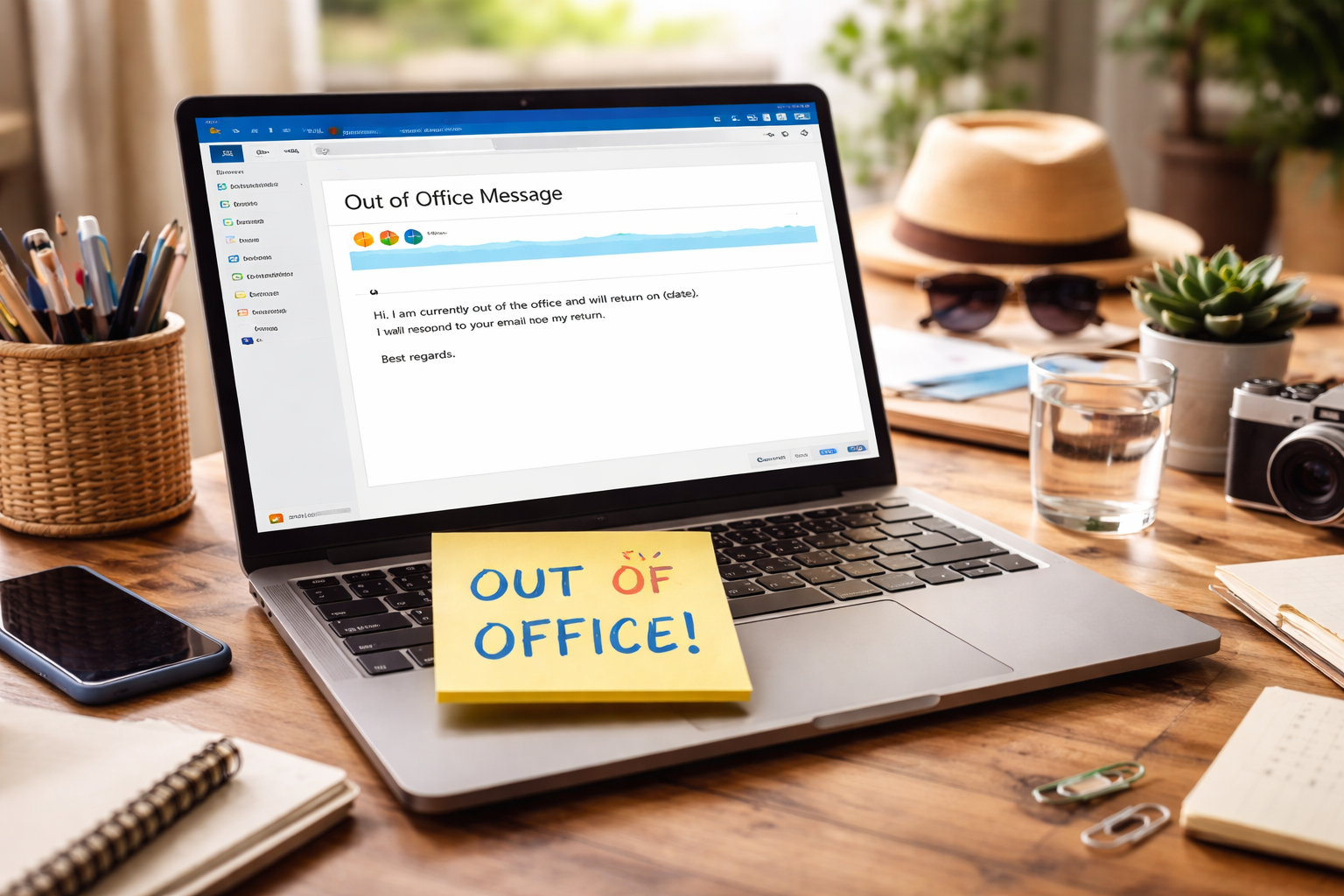
Outlook Out of Office Message: A Complete Guide to Professional Auto-Replies
In a fast-paced professional environment, communication remains a critical element of productivity and collaboration. However, there are times when individuals are unavailable due to vacations, business travel, or personal commitments. During such periods, maintaining clear communication becomes challenging. This is where an outlook out of office message plays a vital role. It ensures that colleagues, clients, and stakeholders are informed about your absence while maintaining professionalism and continuity.
An effective automatic reply does more than simply announce unavailability. It provides clarity, sets expectations, and offers alternative solutions for urgent matters. This article explores the concept in depth, covering its importance, structure, best practices, and common mistakes to avoid. By mastering this essential communication tool, professionals can maintain credibility even when they are away.
Understanding an Outlook Out of Office Message
An outlook out of office message is an automated email response configured in Microsoft Outlook. It is triggered whenever someone sends an email to a user who has enabled the feature. The message typically includes information about the user’s absence, the duration, and alternative contact details.
Purpose and Function
The primary purpose of this message is to inform senders that their email may not receive an immediate response. It helps manage expectations and prevents misunderstandings. In addition, it can guide urgent inquiries to another contact, ensuring that important matters are addressed promptly.
When to Use It
Professionals commonly use this feature during vacations, public holidays, medical leave, or business trips. It is also useful during periods of limited access to email, such as conferences or training sessions.
Importance of a Well-Crafted Message
Creating a thoughtful outlook out of office message is essential for maintaining professionalism and effective communication.
Maintaining Professional Image
A clear and well-written message reflects professionalism. It shows that the individual values communication and has taken steps to ensure continuity.
Setting Clear Expectations
By specifying the duration of absence and response time, the message helps senders understand when they can expect a reply.
Ensuring Business Continuity
Providing alternative contact information ensures that urgent matters are handled without delay, minimizing disruptions to workflow.
Key Elements of an Effective Message
An effective outlook out of office message includes several essential components that enhance clarity and usefulness.
Clear Statement of Absence
The message should begin by clearly stating that the individual is out of the office. This eliminates any ambiguity.
Duration of Unavailability
Including the start and end dates of the absence helps set expectations for response time.
Alternative Contact Information
Providing details of a colleague or team member ensures that urgent matters are addressed promptly.
Professional Tone
The tone should remain formal and courteous, regardless of the nature of the absence.
Types of Outlook Out of Office Messages
Different situations require different approaches to crafting an outlook out of office message.
Vacation Messages
These messages typically include the duration of the leave and an alternative contact for urgent matters.
Business Travel Messages
When traveling for work, the message may indicate limited access to email and provide an estimated response time.
Medical Leave Messages
These messages should remain professional while maintaining privacy. Detailed explanations are not necessary.
Holiday Messages
During public holidays, the message can include general information about office closure and reopening dates.
Best Practices for Writing
To create an effective outlook out of office message, certain best practices should be followed.
Keep It Concise
Avoid unnecessary details that may confuse the reader.
Use Polite Language
Courtesy is essential in professional communication. A polite tone enhances the overall impression.
Avoid Oversharing
Personal details should be kept minimal. Focus on relevant information that benefits the sender.
Update Regularly
Ensure that the message is accurate and updated for each period of absence. Outdated information can lead to confusion.
Common Mistakes to Avoid
Despite its simplicity, crafting an outlook out of office message can involve common errors.
Lack of Clarity
Vague messages can leave senders uncertain about the duration of absence or next steps.
Missing Contact Information
Failing to provide an alternative contact can disrupt workflow and delay important tasks.
Informal Tone
Using overly casual language may undermine professionalism, especially in business environments.
Forgetting to Turn It Off
Leaving the message active after returning to work can create unnecessary confusion.
Customizing Messages for Different Audiences
An effective outlook out of office message may vary depending on the audience.
Internal vs External Messages
Outlook allows users to create separate messages for internal colleagues and external contacts. Internal messages may include more detailed instructions, while external messages should remain concise and formal.
Industry-Specific Considerations
Tailoring the message to align with industry standards enhances professionalism.
Role of Automation in Modern Communication
Automation plays a significant role in enhancing the effectiveness of an outlook out of office message.
Efficiency and Time Management
Automated responses save time by eliminating the need to manually reply to each email during absence.
Consistency in Communication
Automation ensures that every sender receives the same information, reducing the risk of miscommunication.
Integration with Digital Workflows
Modern tools integrate automated messages with calendars and task management systems, improving overall efficiency.
Enhancing Communication Strategy
An outlook out of office message is not just a standalone feature; it is part of a broader communication strategy.
Aligning with Team Processes
Coordinating with team members ensures that responsibilities are covered during absence.
Planning Ahead
Setting up the message in advance prevents last-minute issues and ensures a smooth transition.
Monitoring After Return
Reviewing emails and following up promptly after returning to work helps maintain professional relationships.
Future Trends in Automated Messaging
As technology evolves, the role of automated messaging continues to expand.
Smart Responses
Artificial intelligence is enabling more personalized and context-aware automated replies.
Integration with Collaboration Tools
Future systems may integrate out-of-office messages with collaboration platforms, providing real-time updates.
Enhanced Customization
Advanced customization options will allow users to tailor messages more precisely to different audiences and scenarios.
Conclusion
An outlook out of office message is a simple yet powerful tool that supports effective communication in professional environments. By clearly informing others of your absence, setting expectations, and providing alternative contacts, it ensures continuity and maintains professionalism.
Crafting an effective message requires attention to detail, clarity, and a formal tone. Avoiding common mistakes and following best practices can significantly enhance its impact. As automation and technology continue to advance, the role of such messages will become even more integral to modern communication strategies.
Ultimately, a well-prepared out-of-office message reflects not only organizational skills but also respect for others’ time and needs. By mastering this essential practice, professionals can maintain strong communication and uphold their credibility, even when they are away from their desks.